How to Buy Sonos Without Making an Expensive Mistake — What Every First-Time Buyer Should Know
Everything you need to know about building a Sonos system — from the new Sonos 27 software to the various speakers, soundbars, and headphone options
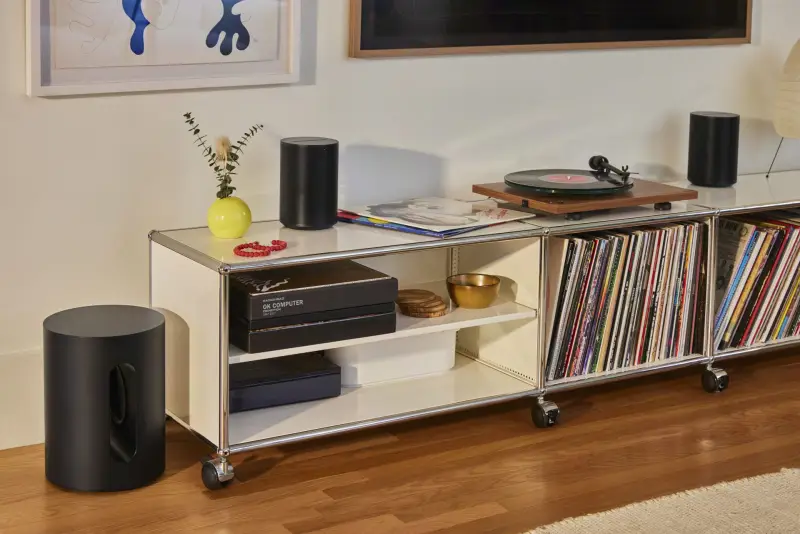
Despite a rocky couple of years, Sonos remains the name most people think of when they want music in multiple rooms and a beautifully designed system to deliver it. 2026 has been its busiest year in a long while. After what I'd describe as a ‘botched’ 2024 app relaunch, the brand set out to win back its fans – and it has paid off with a string of superb launches.
This year alone brought a portable speaker called Play, a microphone-free Era 100 SL, the long-awaited Beam Ultra soundbar (one of the best soundbars I've heard) and the Ace Ultra headphones (some of the comfiest around). The software has been renamed Sonos 27, too, and picked up a few neat tricks along the way.
For design lovers, the appeal is unchanged: matte, rounded speakers, mostly in black or white, with a few softer shades creeping in, and a system that lets you grow one room at a time. When we compare the likes of Sonos vs Bose, design is often where this brand takes the lead.
Whether you're buying your first speaker or rethinking a decade-old setup, this guide covers everything you need to know about building a Sonos system. And it's a great time to buy. Sonos is running Black Friday deals right now — you can shop some of the best of them on Sonos' Amazon storefront until Monday:
Sonos Play — Save £60
Roam 2 — Save £40
Move 2 — Save £90
Era 300 — Save £100
Five — Save £150
Beam Gen 2 — Save £110
What Are Sonos Speakers and How Do They Work?
Founded in 2002, Sonos launched its first multi-room system in 2005 and was among the pioneers of the idea, though it's far from the only player in the space now. But the principle hasn't changed even if the competition and technology have: speakers join your home Wi-Fi and play in perfect time, whether that's one album through the whole house or a different playlist in every room. A system can grow to 32 products, regrouped whenever the mood takes you.
What sets Sonos apart from a scattering of Bluetooth speakers is that your phone isn't carrying the music. Each speaker streams straight from the internet, so your phone is simply the remote. Take a call, get a flurry of notifications or walk out of the door, and the music plays on. In larger homes, speakers can also talk to each other over SonosNet, the brand's own wireless mesh network.
Pair two matching speakers for stereo, or link a soundbar, subwoofer and rear speakers into a home cinema. Trueplay then tunes each speaker to its room — automatically on the portables, with an iPhone or iPad on most others.
It took a while, but Sonos does Bluetooth now too – quite a shift for a brand that was Wi-Fi only until the original Move arrived in 2019. Today's Roam 2, Move 2 and Sonos Play behave like any other Sonos speaker at home, then switch to Bluetooth when you leave your network, so the music follows you to the park or the beach. Play and Move 2 can even link up to four speakers over Bluetooth for a garden party. The Era 100 and Era 300 accept Bluetooth too – handy when a guest wants to play DJ – and the Ace headphones work like any Bluetooth pair when you're out.
What Is Sonos 27? The New App and Software Explained
Sonos 27 is the new name for the software that runs every Sonos product. It rolled out on 8 September 2026 as a free update for all S2 products – broadly, anything Sonos has made in the last decade. A handful of early speakers are stuck on the older S1 app and no longer get new features; if you own one, the Sonos Upgrade Programme offers money off a replacement, and Certified Refurbished stock is another way to save.
The name follows a format similar to Apple's iOS, making it easier to see what's new in the software each year. It also marks a fresh start after the bug-ridden 2024 app redesign, which Sonos spent much of 2025 and 2026 trying to rectify. Sonos 27 makes the new, simpler navigation the standard, with swipe gestures and pinned rooms. Some features depend on your products, but here are a few highlights:
Portable surrounds (available now): Two Play or two Move 2 speakers can automatically serve as the rear channels for a compatible soundbar on film night, then return to the kitchen or patio once the credits roll.
Headphone linking (Early Access): One press switches whatever is playing between Ace Ultra headphones and any Sonos speaker or group – no phone-fiddling required.
Presets (added November 2026): Save a playlist or station with a room and volume level, then start the lot with one tap.
Sonos 27mcp (Early Access, US English first): With your permission, AI assistants, including ChatGPT and Claude, can control your speakers.
Sonos 27voice (Early Access, US English first): A chattier music assistant that understands loose requests – "play something mellow in the bedroom" rather than a precise command.
Custom agents (planned for 2027): Design your own assistant with its own personality and voice.
Behind the scenes, Sonos has also named the technology that lets its products find each other and agree on their roles: Sonos Fabric. It's what makes pairing, grouping and surround sound happen automatically, and it powers both the portable surrounds and headphone linking features mentioned above.
Which Sonos Speaker Should I Buy?
The range includes seven speakers, from the Era 100 SL to the Five. The Sonos One and One SL, which anchored the old line-up, have retired, with the Era 100 family taking their place. Here's the range at a glance, from cheapest to most expensive, via Amazon:
Era 100 SL, $189/£169: An easy first speaker, with no microphones.
Roam 2, $179/£179: The smallest portable, about the size of a water bottle.
Era 100, $219/£199: The best all-rounder, with voice control.
Sonos Play, $299/£299: A mid-size portable for room-to-garden roaming.
Move 2, $499/£449: The biggest portable, for open-plan spaces and parties.
Era 300, $499/£499: The most striking design, built for Dolby Atmos music.
Five, $599/£549: The most powerful (and oldest) speaker, for serious listening.
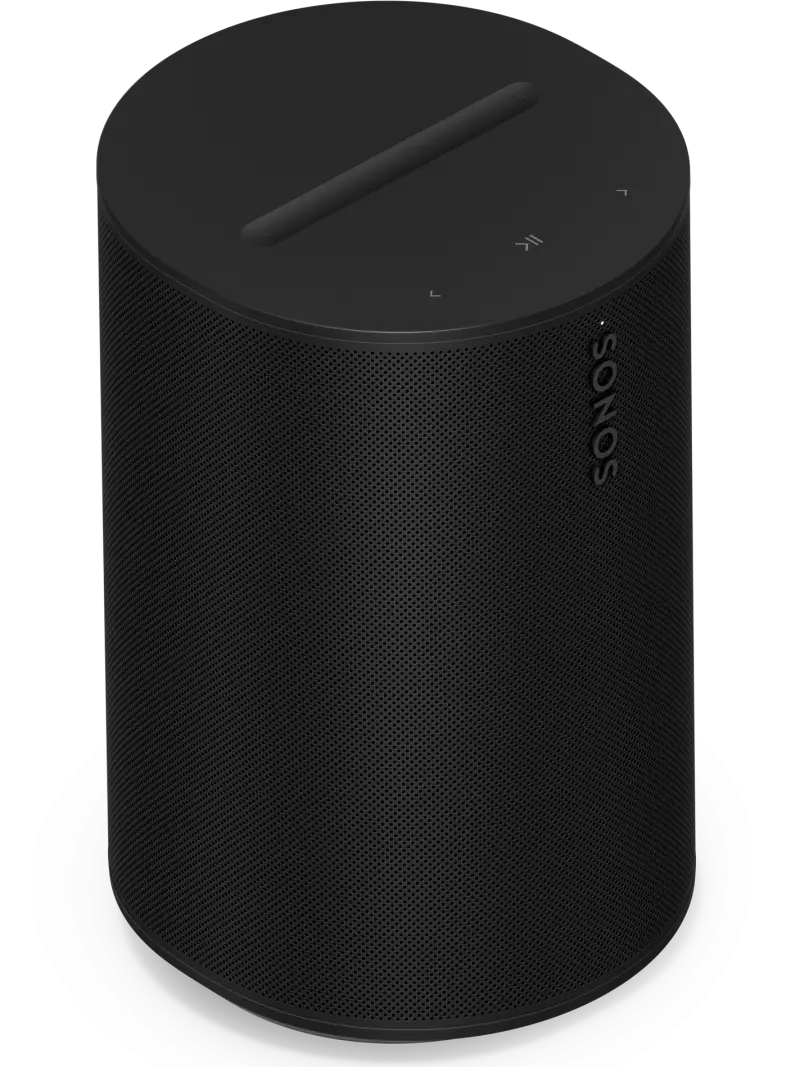
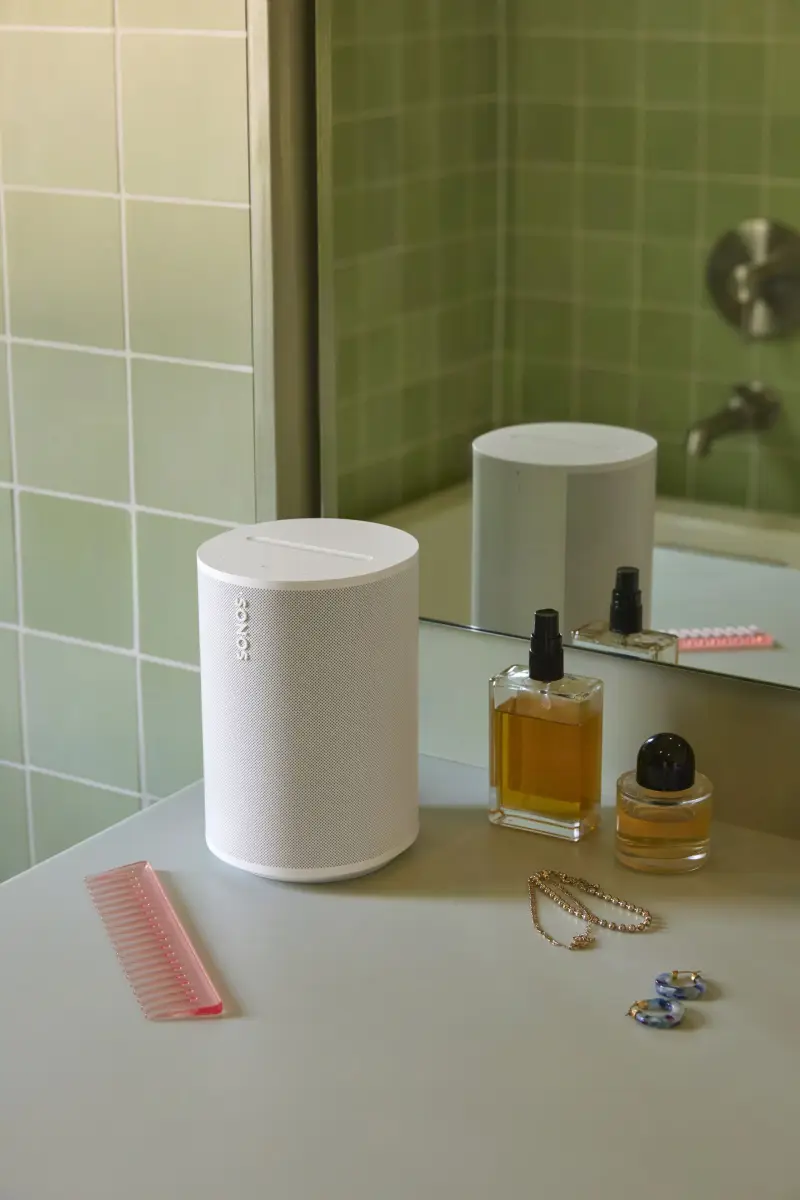
The Era 100 is where most people should start. It's compact, delivers stereo sound from a single box thanks to two angled tweeters, and offers Bluetooth and a USB-C line-in (with an adapter) for connecting a record player. The design is lovely and the sound quality is excellent for its size.
The Era 100 SL, launched in March 2026, keeps the same sound and shape but drops the microphones and, with them, voice control. That trims the price and makes it a natural fit for bedrooms, or as a pair of rear speakers for a soundbar.
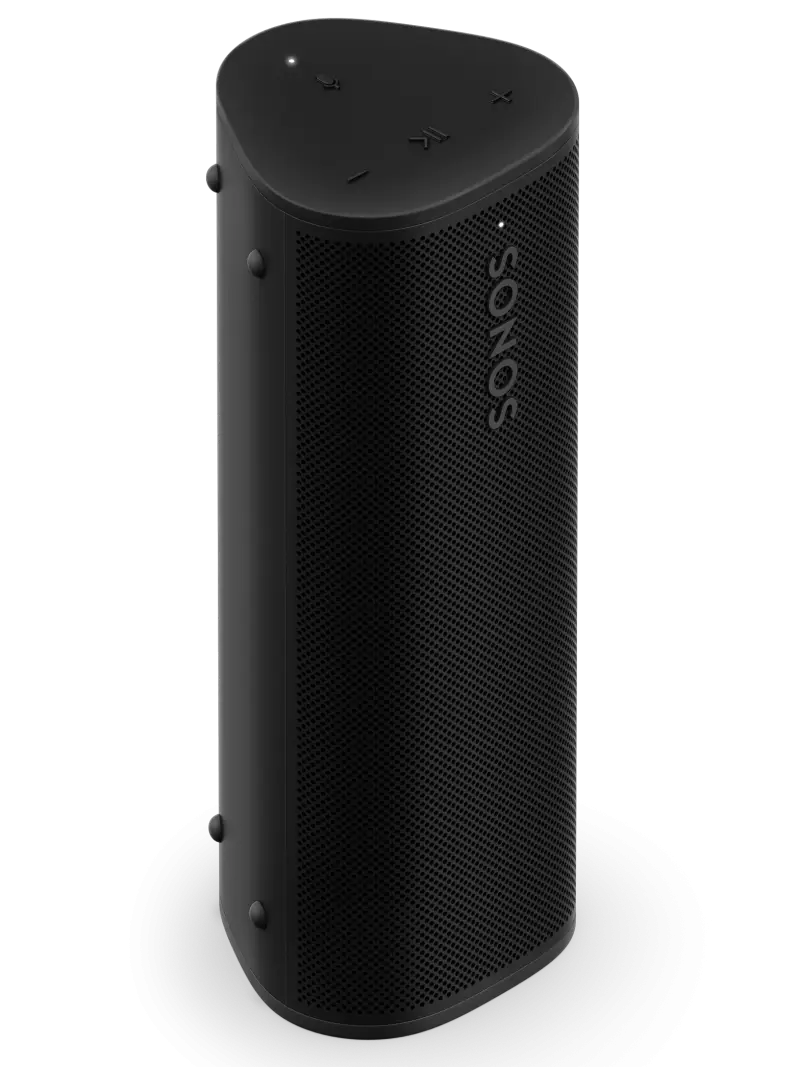
At under half a kilo, Roam 2 is Sonos’ lightest speaker, the smallest of the portable options (about the size of a water bottle), and the easiest to carry around. Move it from the bedside table to the bath in the morning, then pack it for a weekend away.
It runs for about ten hours on a charge and is rated IP67 for dust and water protection, so splashes and steam won't bother it. At home, it works as a full Wi-Fi Sonos speaker, while away from home, it switches to Bluetooth. It’s one of the cheapest ways to get into the system and sounds better than you’d expect for its size.
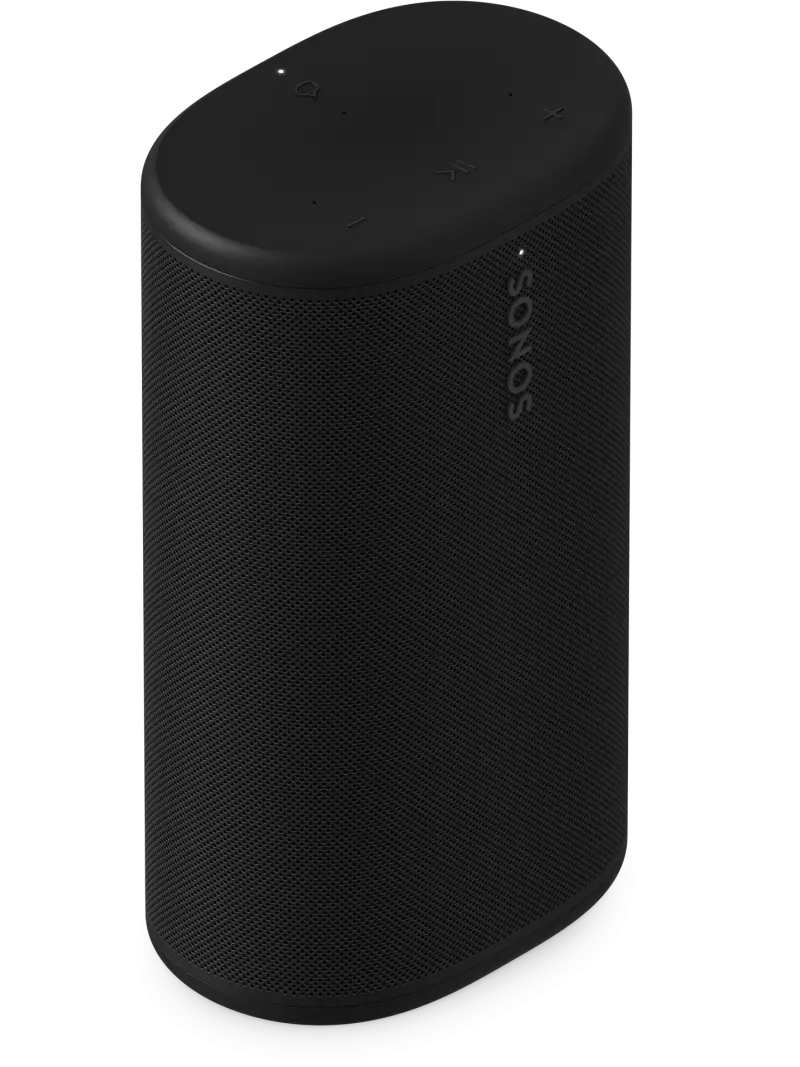
New for 2026, Play sits between Roam 2 and Move 2 as another portable option. It's a 19cm column with lovely curves, weighing 1.3kg — heavier than Roam 2 but far easier to carry than Move 2 — with nice touches such as a fabric carry loop and a sand colourway.
It's IP67-rated, so rain won't stop the party, runs for 24 hours and docks on a tidy charging base, though no plug is included, so you'll need an 18W USB-C adapter. The sound doesn’t quite match Move 2, but it’s excellent.
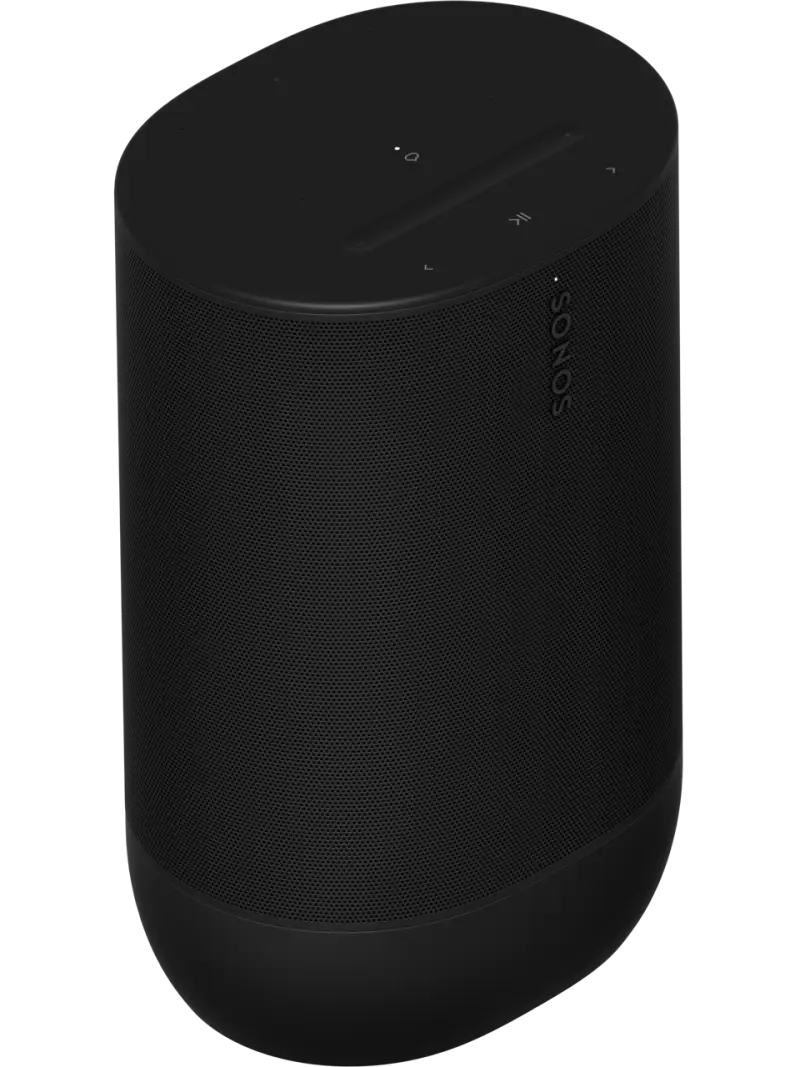
Move 2 is Sonos's largest portable speaker. It weighs 3kg, lasts around 24 hours, and has enough volume to fill a garden or a large open-plan room. It plays stereo from a single speaker, like the Era 100, and has a handle built into the back — which you'll be grateful for, because it's not light.
Nor is it cheap, but it's as at home on the patio as in the kitchen, and a pair of Move 2 speakers link up automatically as soundbar rears whenever you bring them in for movie night. It comes in black, white or green color options.
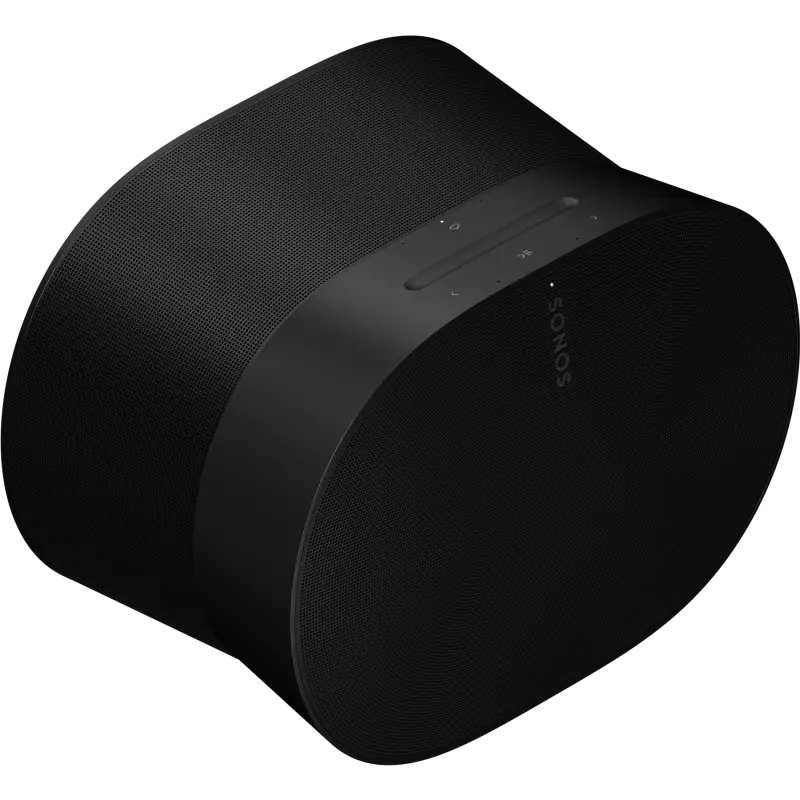
The Era 300 is designed for spatial audio. Drivers fire upward, forward, and outward to each side, so Dolby Atmos tracks from services such as Apple Music and Amazon Music seem to come from all around you and above, and ordinary stereo recordings gain a sense of width. It's one of the most sculptural speakers in the range, too, with an hourglass shape and a wraparound grille that look fabulous in a modern space.
It has Bluetooth, a line-in via a USB-C adapter, and voice control. A pair makes for a superb (if expensive) stereo set, and the most immersive rears for Arc Ultra or Beam Ultra. Just give it room to breathe – it does its best work when in the open, not wedged into a bookcase.
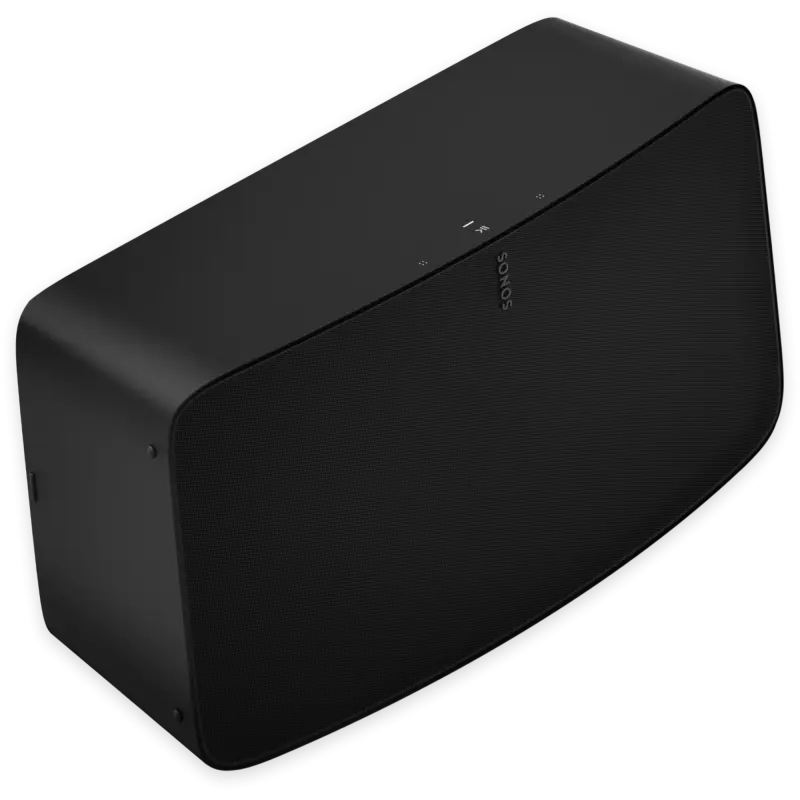
The Five is Sonos's most powerful single speaker. Six drivers, each with its own amplifier, give it the scale and bass to fill a large living room on its own. Lay it on its side for wide stereo from one cabinet, or stand two upright as a proper pair of hi-fi speakers, with a Sub 4 for extra depth.
A 3.5mm line-in accepts a turntable or CD player, making it a natural centerpiece for a record collection. There are no microphones or Bluetooth – it's pure Wi-Fi, controlled via an app or AirPlay 2 — and its clean cabinet sits neatly beside a vinyl shelf.
Sonos Soundbars and Subwoofers

There are now four Sonos soundbars and two subwoofers. The big news is Beam Ultra, which finally brings up-firing Dolby Atmos speakers to the mid-size bar.
Soundbars, from smallest to largest:
Ray, $219/£199: Simple bar for bedrooms and small TVs.
Beam (Gen 2), $499/£449: Compact, with virtual Atmos.
Beam Ultra, $699/£699: 7.1.2 Atmos for mid-size rooms
Arc Ultra, $1,099/£999: The 9.1.4 flagship for big screens.
Subwoofers:
Sub Mini, $499/£429: A minimal cylinder that partners best with Ray or either Beam.
Sub 4, $899/£799: Full-size, for Arc Ultra, Beam Ultra or Five; stands upright or lies flat.
https://www.sonos.com/en-gb/shop/sub-mini
https://www.sonos.com/en-gb/shop/sub-4
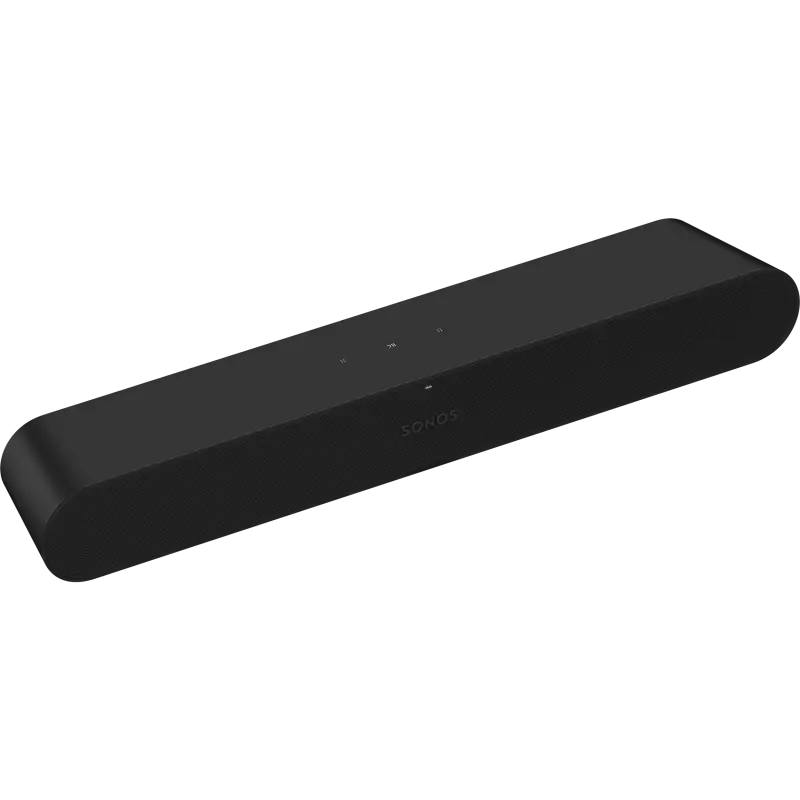
Ray is the smallest and cheapest Sonos soundbar, and the simplest way to give a TV a little boost in the sound department. It makes far more of dialogue and music than built-in TV speakers can, and because all of its sound projects forward, it can sit inside a media unit or on a shelf beneath the screen without losing clarity – ideal for bedrooms, offices and smaller living rooms.
The trade-offs: an optical cable instead of HDMI, no Atmos, and no microphones. It still connects to your Sonos system for music, though, and can take a Sub Mini and rears later. It is available in black or white.
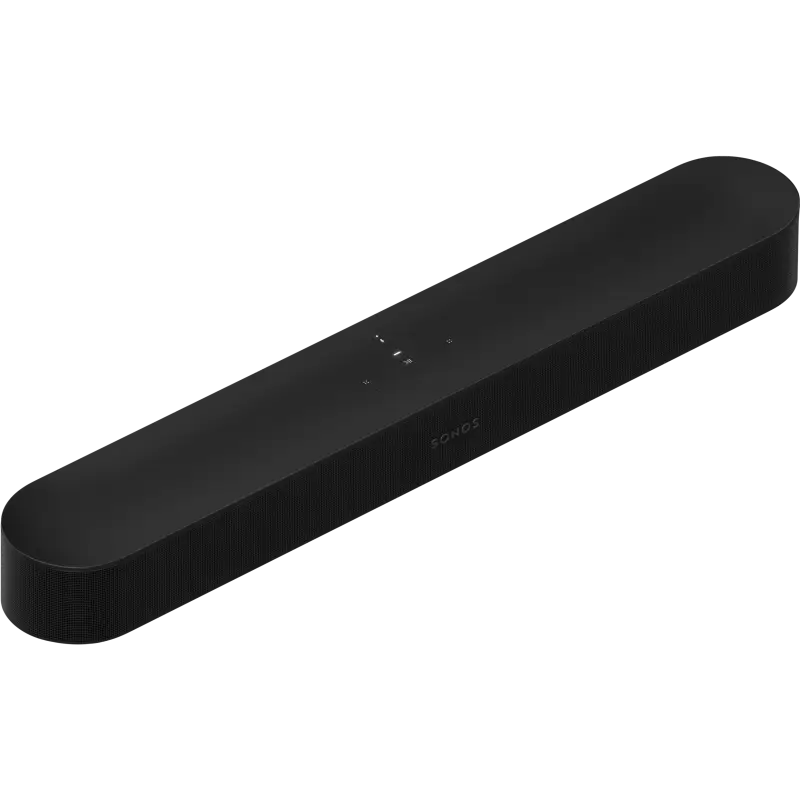
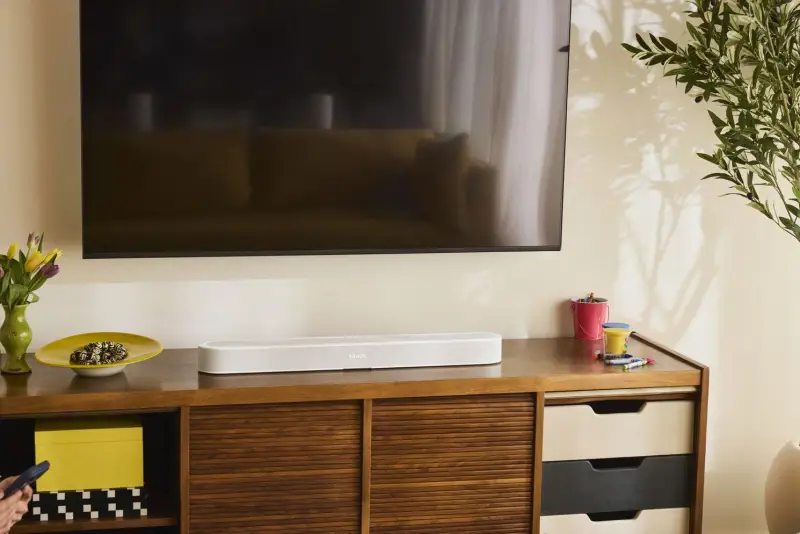
Beam (Gen 2) has been one of Sonos's best-loved products since 2021, and for good reason — it's a great soundbar for the money. Now sitting alongside Beam Ultra, it's compact enough for most living rooms and connects via a single HDMI eARC cable, so your TV remote controls the volume. It also supports Dolby Atmos, though without up-firing drivers, it creates height through processing rather than by bouncing sound off the ceiling.
It has voice control, Speech Enhancement, and Night Sound, comes in black or white, and is the sweet spot for many homes — you can add a Sub Mini and two Era 100 SLs over time for full surround sound if you fancy it.
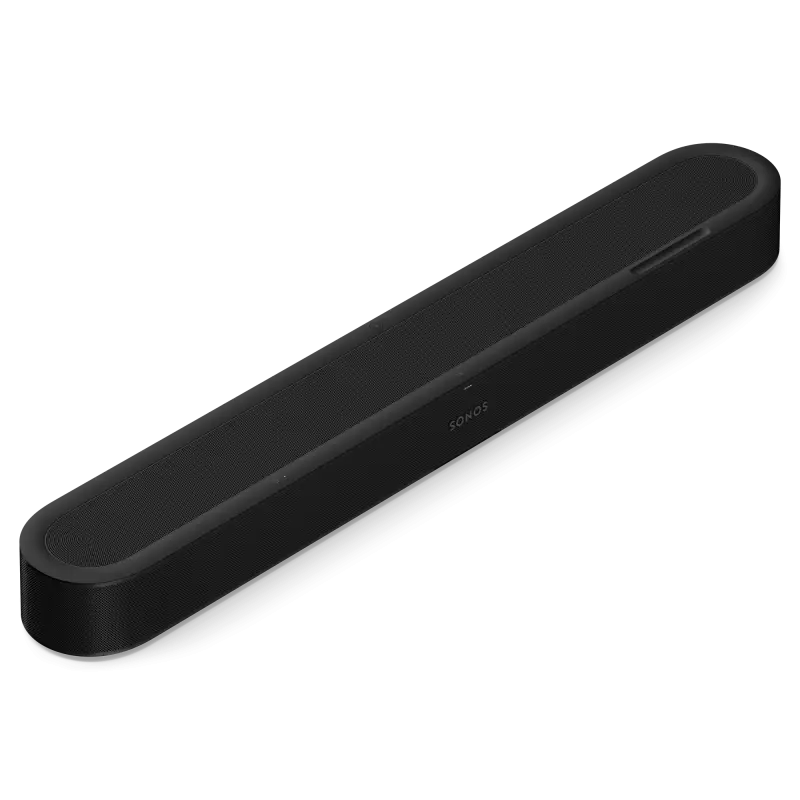
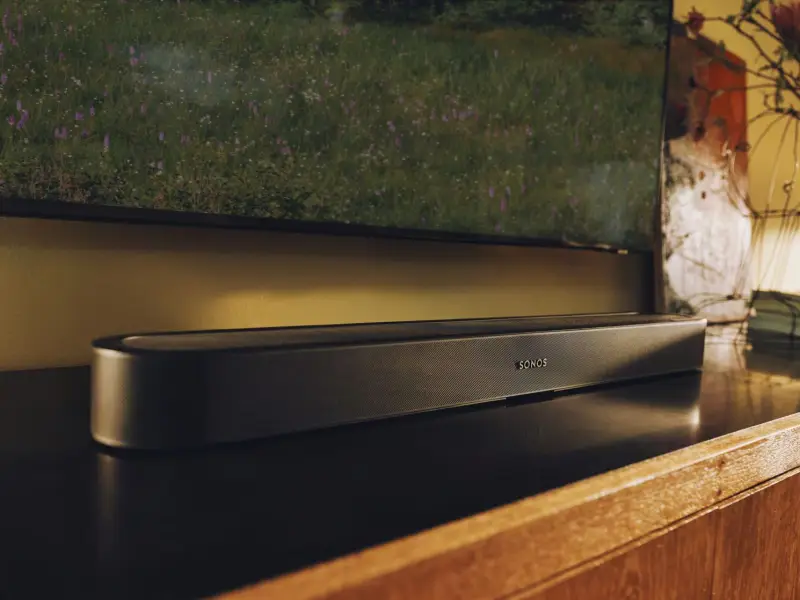
Beam Ultra arrived in September 2026, slotting between Beam (Gen 2) and the flagship Arc Ultra. Dedicated up-firing drivers add height effects, a coaxial centre speaker sharpens dialogue, and the result is wide, precise sound and a superb upgrade for your TV.
It's a touch longer and slimmer than Beam (Gen 2) but still compact enough to disappear into a room. Touch controls sit on top, it comes in matte black or white, and a single HDMI eARC socket does the connecting — there's no remote, so your TV remote or the app takes charge. It doesn't support DTS:X, and Beam owners upgrading will need a new wall mount. But AI Speech Enhancement, with four levels of dialogue boost, means you won't miss a word.
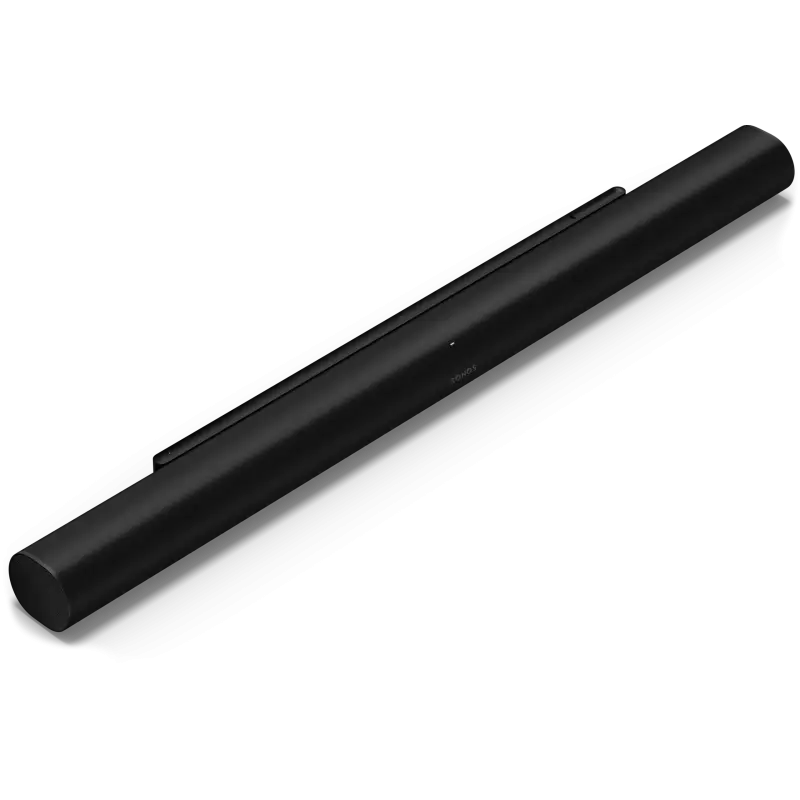
Arc Ultra remains the best choice for cinema-style sound at home, even with Beam Ultra snapping at its heels. Its 14 drivers deliver 9.1.4 Dolby Atmos, with some pointing up to bounce effects off the ceiling and others pointing out to the sides to widen the soundstage. Its party trick is Sound Motion, a new kind of woofer that wrings surprisingly deep bass from a slim bar, so many rooms can manage without a subwoofer at first. AI Speech Enhancement keeps mumbled dialogue clear, and one HDMI eARC cable is all it needs.
It comes in matte black or white and is much longer than the Beam Ultra, making it well-suited to large screens and large living rooms. If budget allows, add a Sub 4 and a pair of Era 300s for a full surround experience.
Sonos Headphones: Ace and Ace Ultra
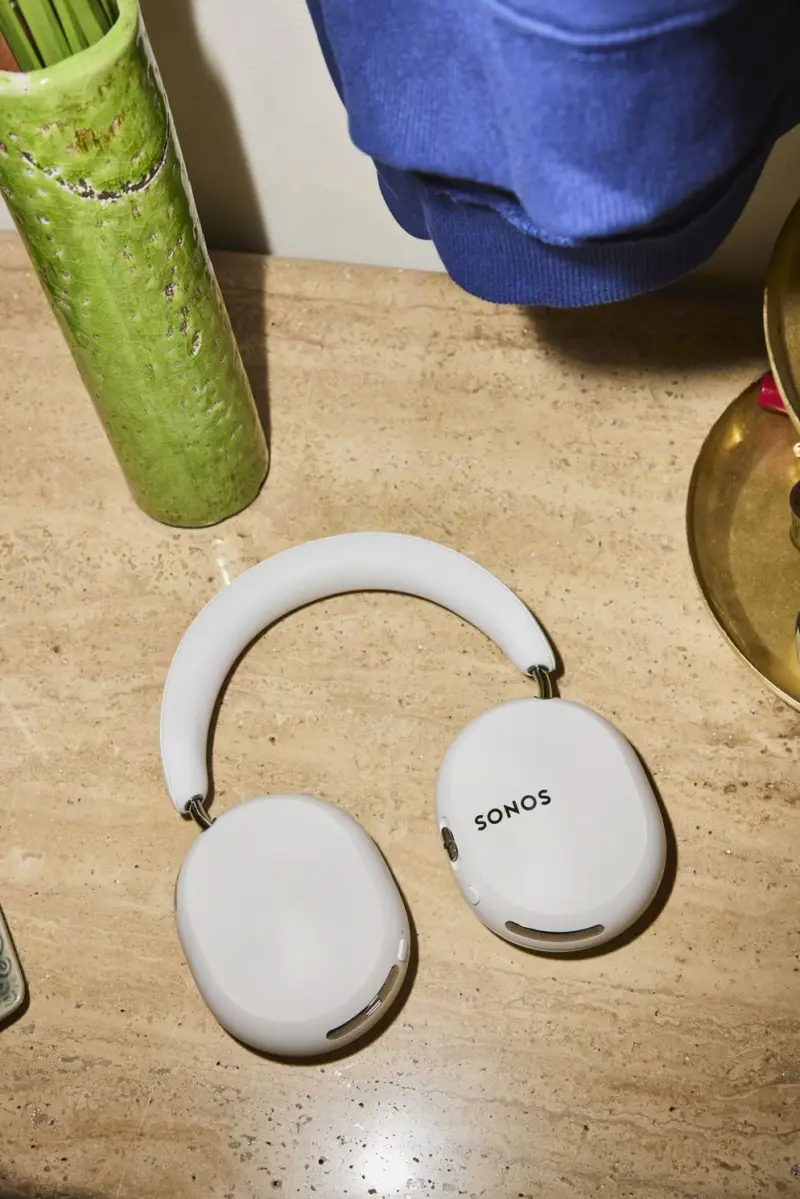
Just when you think you've got the Sonos range sussed, there are headphones too. Sonos makes two pairs of noise-cancelling cans, and both can take over a Sonos soundbar's TV sound, so you can watch late at night without waking the kids. The original Sonos Ace ($399/£349, black or soft white) are otherwise a straightforward Bluetooth pair of cans – one of the comfiest in the business.
The new Ace Ultra ($449/£399) connects to your entire Sonos system over Wi-Fi, letting you move music between speakers and your ears with a single press. It also offers stronger noise cancellation than the original, up to 35 hours of battery life, and replaceable ear cushions and a replaceable battery. Its colours – black, soft white, a muted sage called agave, and sand – lean more towards interiors than
Installed and hidden audio: Amp, Port and architectural speakers
If you'd rather not see speakers at all, or already own a good hi-fi, Sonos still has you covered:
- Port, $499/£399: Gives a hi-fi or amplifier you already own all the streaming smarts of Sonos.
- Amp, $799/£699: Drives passive speakers at 125W per channel and links to your TV over HDMI ARC.
- In-wall speakers by Sonos and Sonance, $729/£699: Sit flush with the wall and can be painted to blend in.
- In-ceiling speakers, 8in, $1,099/£999 a pair: Near-invisible sound from overhead, perfect for kitchens and bathrooms.
- Outdoor speakers, $999/£899 a pair: Built to shrug off the weather on patios and in gardens.
The Amp is the hub of a hidden system: one unit drives a pair of ceiling or wall speakers and also has a dedicated subwoofer output. Architectural speakers are best planned during a renovation, though, so talk to an installer before plastering begins.
A note on IKEA: the Symfonisk range of lamp, picture-frame, and bookshelf speakers, built with Sonos technology since 2019, has ended. The partnership finished at the start of 2026, and no new models are planned, though existing Symfonisk speakers still receive updates and are compatible with the latest app.
Which Streaming Services Work With Sonos?
Pretty much all the big ones. Spotify, Apple Music, Amazon Music, TIDAL, Deezer, YouTube Music, Qobuz, BBC Sounds, Audible and TuneIn all live inside the Sonos app, searchable in one place, and Sonos Radio adds free stations.
You can also play from other apps directly: Apple’s AirPlay 2 works across the current range, and Spotify Connect lets you pick a Sonos speaker from inside Spotify. Vinyl and CD collectors are covered too — a turntable plugs into the Five, the Era 100 or Era 300 (both with a line-in adapter), the Amp or the Port. Music stored on a NAS drive or in an iTunes library plays too — Sonos's original party trick, from before streaming existed.
Does Sonos Work With Voice Assistants?
Most Sonos speakers with microphones offer two voice assistants – Sonos Voice Control and Amazon Alexa – and you can run both on the same speaker. The exception is the new Beam Ultra, which launched with Sonos Voice Control only.
Sonos Voice Control ("Hey Sonos") works with your speakers to play and move music between rooms, set timers, check the weather, and, with a soundbar, turn the TV on and off or enable Speech Enhancement and Night Sound. Privacy is at its core, with requests processed on the speaker and never recorded or sent to the cloud, though features vary by country.
Amazon Alexa turns your Sonos into something closer to an Echo, answering general questions, keeping shopping lists, and controlling more of your smart-home kit, with requests processed on Amazon's servers. For now, it's the classic Alexa, not Amazon's new AI-powered Alexa+, which launched in the UK in March 2026 (free for Prime members, £19.99 a month otherwise). Sonos says it is working with Amazon to bring Alexa+ to Beam Ultra, and in the meantime an Echo running Alexa+ can still play music on your Sonos.
Google Assistant was also available alongside Alexa on older Sonos speakers, like the Sonos One, but it’s been phased out for a while, and newer models don’t offer it. If you'd rather have no voice assistants, the Era 100 SL has no microphones and therefore no assistants. On other models, you can turn off the microphones with a switch or button.
Tips and Tricks to Know
Get set up in minutes
Plug in the speaker and open the Sonos app — it spots new arrivals and walks you through Wi-Fi, sign-in and music services. To add more, tap the settings icon, choose Add Speaker or Component and follow the prompts.
Skip the hub
You don't need a bridge or a cable — every current Sonos product joins your Wi-Fi directly. In a very large home, wiring one speaker to the router lets the system build its own SonosNet mesh, which you can now switch on or off: go to Settings="" > Network="" > SonosNet and follow the steps in the app.
Make late-night TV kinder to the neighbors
Night Sound tames sudden explosions while lifting quiet passages. Pair it with Speech Enhancement for clearer dialogue — on Arc Ultra and Beam Ultra it's AI-powered, with Low, Medium, High and Max settings. Open the System view (or tap the System tab in the new navigation), select your soundbar to bring up the Now Playing screen and tap the respective buttons.
Put your favorites one tap away
Set up Presets so a morning radio station starts in the kitchen at a gentle volume, or a dinner playlist fills the downstairs, with a quick tap. Open the Home tab, tap the plus sign in the Presets section, then name it, choose the content and rooms, set a volume for each room, and tap Save.
Wake up to music
Alarms can start any playlist or station in any room, so you can swap your phone's beep for something gentler. Go to Settings, select Alarms, then tap Add Alarm or edit an existing one.
Keep it family-friendly
The explicit content filter blocks tracks flagged as explicit on supported streaming services. Head to Settings="" > General Settings="" > Parental Controls="" > Filter Explicit Content. It applies to the whole system and will ask you to sign in to your Sonos account.
Turn off the lights
Every speaker's status light can be switched off — well worth doing in a bedroom. Go to Settings, select the room under Your System and turn off Status Light under Hardware.